
Basics
What is a driver and why do you need it?
A simple way to understand how drivers help your computer hardware work without any errors.
Read MoreExplore high-quality, jargon-free educational guides on printer, audio, scanner, and video drivers.
Learn how to set up printers and fix common connection problems with simple steps.
Understand how sound cards work and how to keep your computer's audio clear and loud.
A complete guide to understanding video cards and how they show images on your screen.
Learn about WiFi and internet drivers to keep your connection fast and stable.
Simple guides for your computer hardware, explained in plain English.
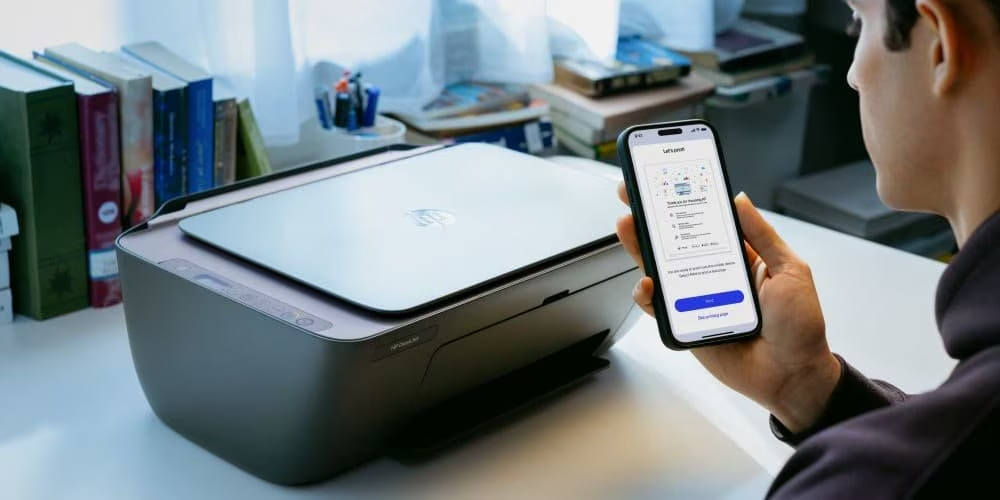
Learn how to connect and use your printer without any stress.
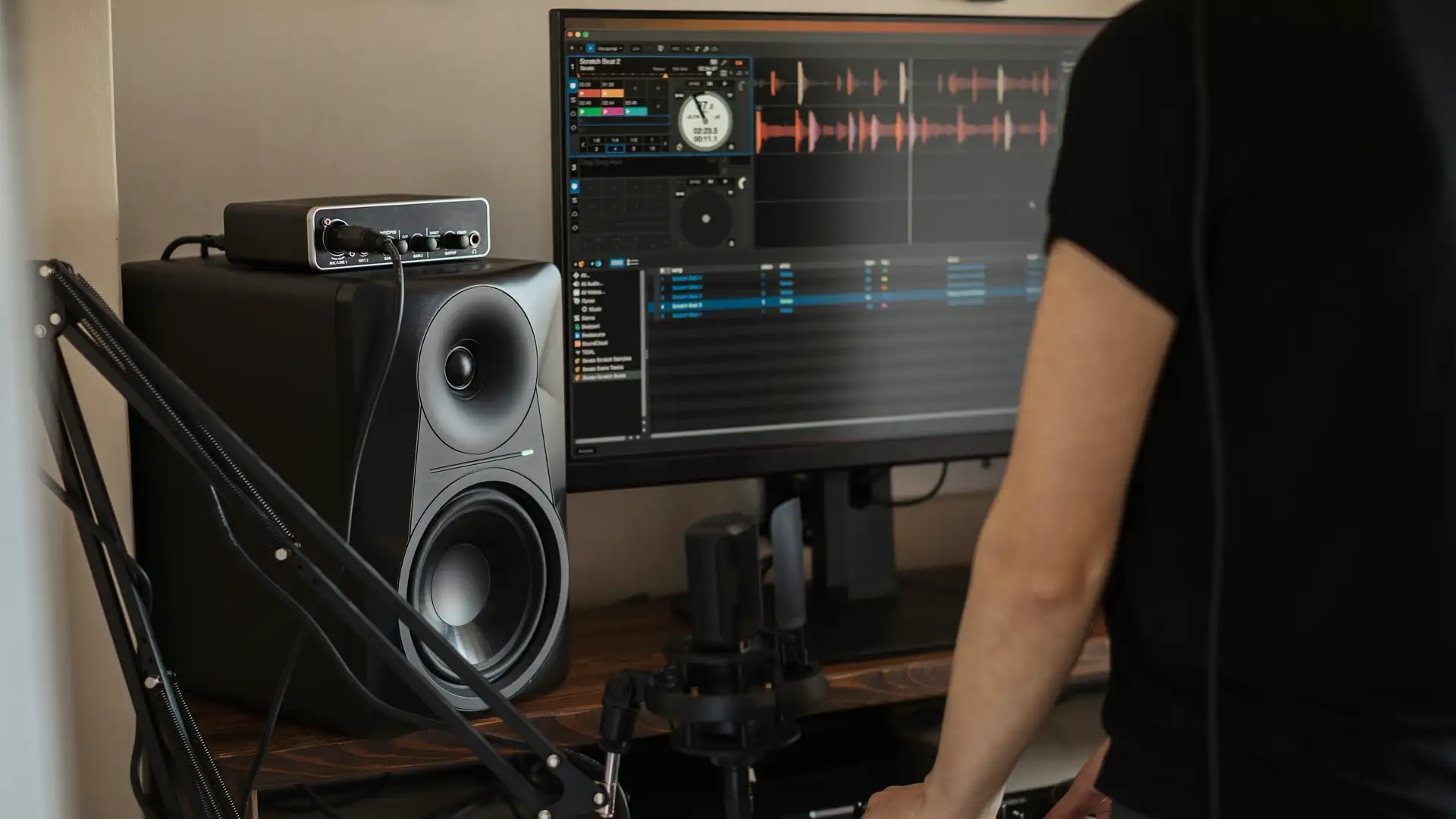
How to keep your sound clear and fix common audio issues.

A simple way to learn how to scan documents to your computer.

Understand how your screen shows videos and pictures.
My Driver Pilot helps you understand how your computer hardware works. We take difficult topics and explain them in simple words so you can learn about drivers without any confusion.
Short and clear guides that help you learn things quickly.
We check all our details to make sure they are correct and helpful.
A structured collection of guides designed to help you understand how your hardware works.
This driver is like a translator for your video card. It tells your hardware how to draw images, play videos, and show games on your screen correctly. Without it, your display might look blurry or slow, and your computer will struggle to show high-quality visuals. Read More →
These drivers help your computer speak through its speakers and listen through the microphone. They turn digital data into sound waves that you can hear clearly and handle the signal for high-quality music, movies, and your everyday video calls. Read More →
When you want to print a document, this driver sends the right instructions to your printer. It helps the printer understand the layout, colors, and text formatting so your paper comes out looking perfect every time without any connection errors. Read More →
This software connects your computer to the internet and your home WiFi network. It manages the data moving through your WiFi card or Ethernet cable so you can browse websites, download files, and watch videos without your connection stopping. Read More →
This driver lets your computer talk to wireless devices like headphones, mice, and keyboards. It handles the wireless signal so you can use all your favorite accessories without any messy cables on your desk, keeping your workspace clean and organized. Read More →
These are some of the most important drivers on your motherboard. They tell the main computer parts how to communicate with each other, ensuring that your processor, memory, and all other internal parts work together smoothly and at the right speed. Read More →
These drivers help your computer recognize anything you plug into a USB port. Whether it is a flash drive, a mouse, or a phone, the driver makes sure the device connects instantly and works right away so you can transfer your files without any issues. Read More →
This software manages how files are saved and read from your hard drive or SSD. It keeps your photos, documents, and programs safe and ensures they open quickly when you need them, making your computer feel fast and responsive every day. Read More →
These drivers capture the video from your camera and show it to your friends during video chats. They manage the brightness, focus, and colors of the video to make sure you look clear on the screen during meetings or family calls. Read More →
If you use a laptop, this driver translates your finger movements into mouse clicks on the screen. It helps with scrolling, zooming, and clicking so you can navigate your computer easily without needing an external mouse plugged in. Read More →
This driver makes sure that every time you press a key, the right letter appears on your screen instantly. It also handles special keys like volume controls, brightness shortcuts, and media buttons so they work perfectly every time you use them. Read More →
This is the very first software that runs when you turn on your computer. It checks all your hardware parts and tells the system how to start up the operating system so everything is ready for you to use within a few seconds of pressing the power button. Read More →
Follow these easy steps to start your hardware learning.
Choose a category like Graphics, Audio, or Network to start.
Learn about the driver using our easy-to-read explanations.
Get a clear idea of how your computer hardware works.
We make learning about computer hardware simple, so you can understand your PC without any confusion.
We explain things one step at a time so it is easy for you to follow along and learn quickly.
We do not use difficult words or jargon. Every guide is written in normal words that anyone can understand.
Learn about everything from your screen and sound to your printer and internet connection in one place.
Our information is checked carefully to make sure it is correct and helpful for your learning path.
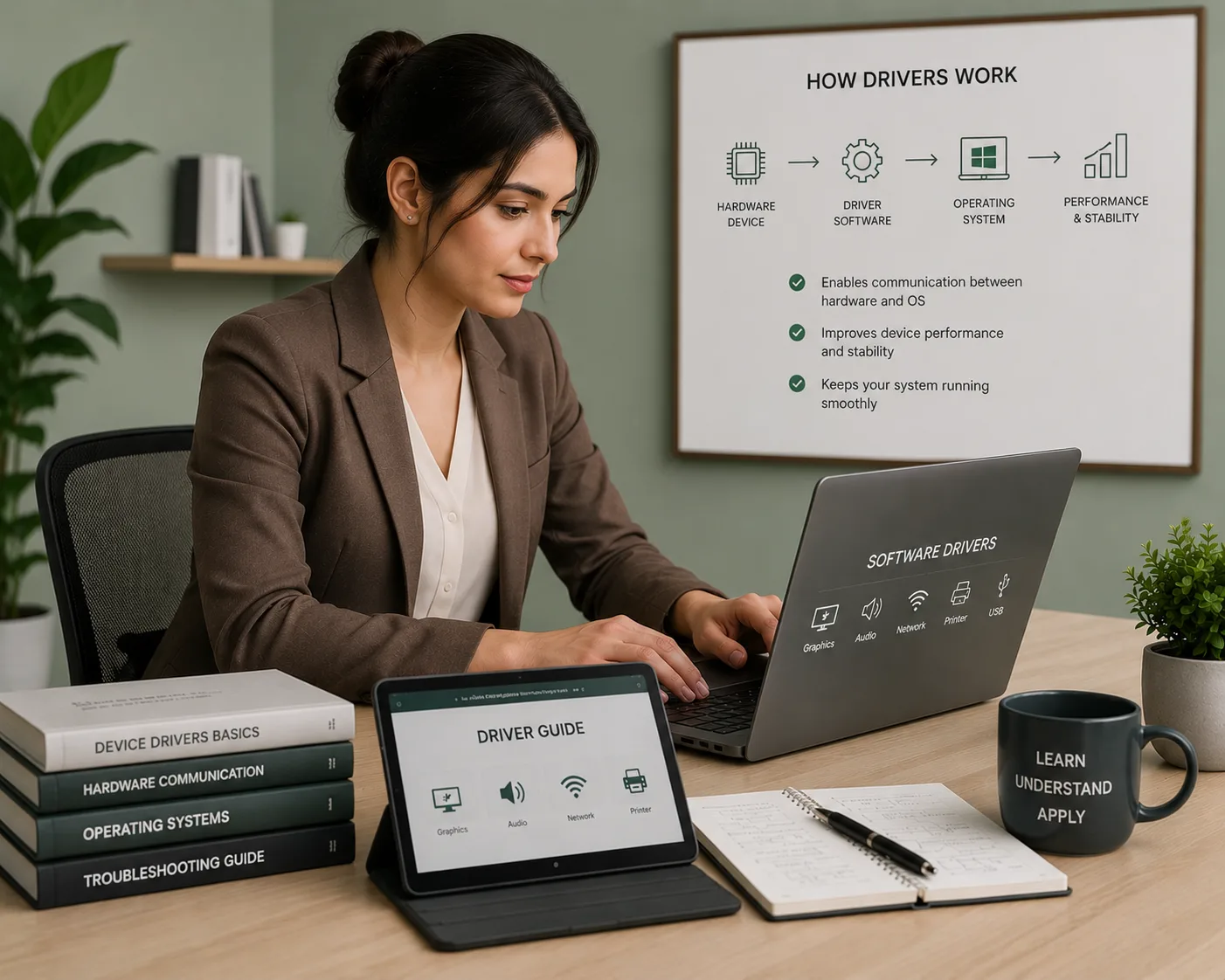
We believe that understanding how your hardware works is the best way to handle your computer. When you know what a driver does, you can use your devices much better.
Simple guides to help you understand your computer hardware better.
A simple way to understand how drivers help your computer hardware work without any errors.
Read More
Learn how your screen shows images and how to keep it looking clear and high-quality.
Read More
How to keep your internet fast and stay connected to your home WiFi network easily.
Read More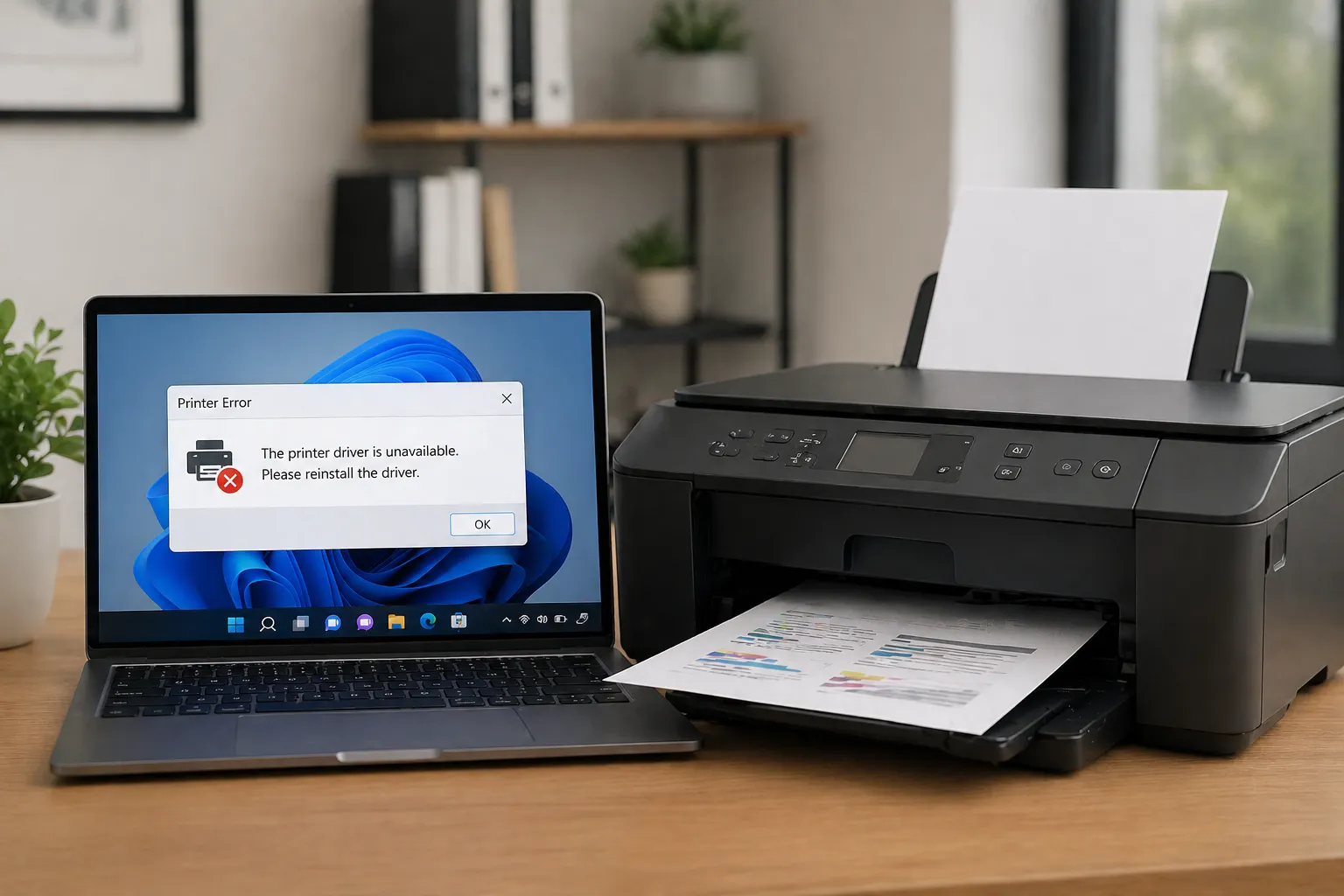
Everything you need to know to get your documents printed without any stress or connection issues.
Read MoreEverything you need to know about drivers and how they help your computer work every day.
A driver is a small software that helps your computer talk to hardware like printers, screens, and sound cards. It works like a bridge between your software and your devices.
Without the right driver, your hardware will not work correctly. Drivers help your computer recognize your devices and tell them what to do so everything runs smoothly.
You can learn about all types of drivers, including graphics, audio, printer, and WiFi guides. We explain everything in simple words for everyone to understand.
Yes. We do not use heavy technical words. Our guides are written for beginners so you can learn about your computer without any stress or confusion.
Yes. My Driver Pilot is an educational platform where you can browse and read our learning articles for free at any time.